
Guest scan
Guest shows their pass QR. The scanner reads it locally. No server call. Result in under a second.
● 100% localIssue passes, scan at the door, and get an instant answer — with your attendee data staying on your devices, never on a ticketing company's cloud. No account, no percentage fees, works with or without internet.
iPhone · iPad · Mac. Scans stay local on your devices.
Double entries. Long lines. A clipboard, a group chat, and a spreadsheet that nobody trusts. The door is where small events look improvised — or look in control.
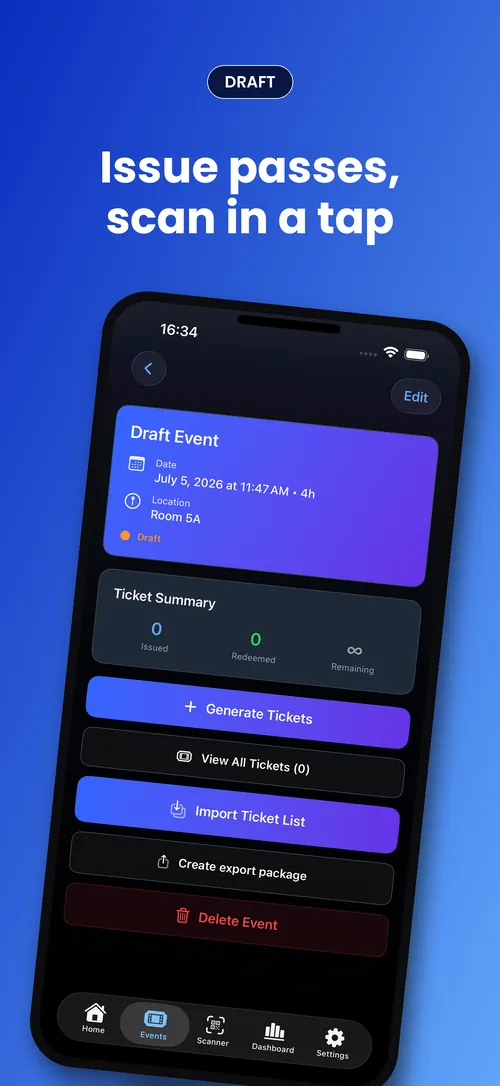
From a blank screen to scanning guests at the door — five steps, one device. The whole point is that you reach a real VALID before you'd finish reading a setup guide.
No account. No sign-up. No backend to configure.
One field. That's it. Optional date and capacity.
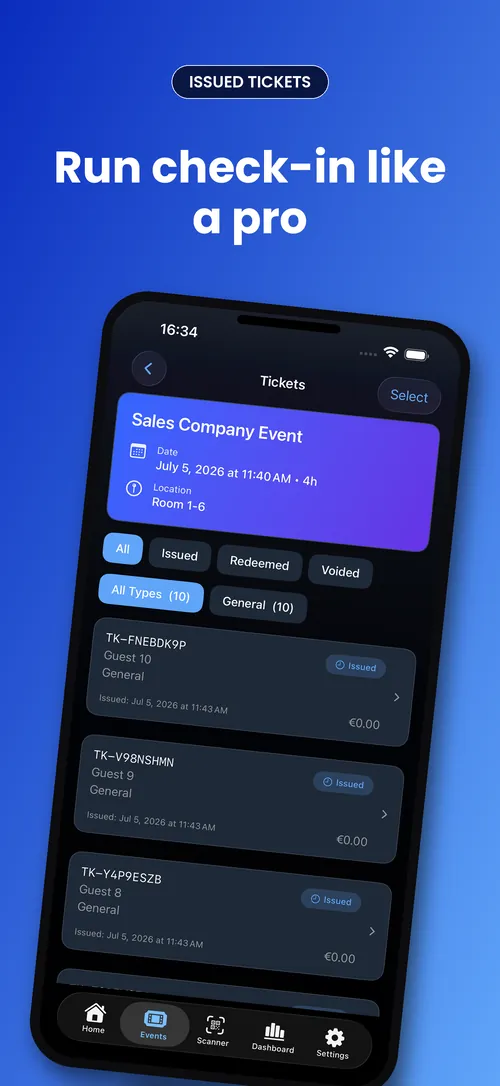
Paste names or import a CSV. Each gets a cryptographically signed pass.
PDF, PNG, or QR — sent via the iOS share sheet. Guests need no app.
Point at any QR. Get VALID, ALREADY USED, or INVALID. Works without internet.
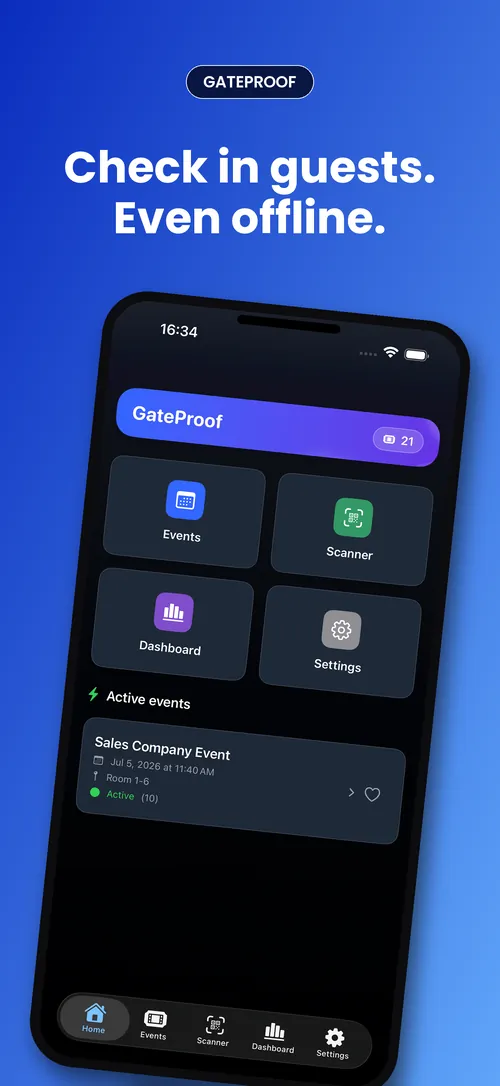
The most important surface in the whole app is the answer at the door. Three outcomes, each unmistakable — no interpretation required.
Let them in. Signature checks out, first redemption.
Pass was redeemed earlier. No double entry.
Not a pass you issued. Stop and check.
Scanning is entirely local — no internet required at the door, ever. Optional Wi-Fi sync keeps multi-device teams in step when connectivity is available.
Guest shows their pass QR. The scanner reads it locally. No server call. Result in under a second.
● 100% localMultiple iPhones on the same venue Wi-Fi or Apple Direct share scan state. Optional — venue connectivity only.
○ Optional Wi-FiIssue a pass. They show it. You scan. A pass is just a QR — share it as a PDF, a PNG, or straight through the share sheet. No download wall standing between people and your door.
Create passes in seconds, with or without attendee details.
Send as PDF / PNG / QR through the tools you already use.
They show it, you scan, the answer is instant.
Create your event on any device — Mac, iPhone, or iPad — then scan on iPhone or iPad at the door while a Mac manages the event and watches check-ins live (the Mac doesn't scan). Put the crew on the same active team and the same connection type, and redemptions sync across doors in near real time — still no guest app, still no ticketing server at scan time.
Same venue network
Recommended when every device shares event Wi-Fi — multi-door crews, three or more scanners.
No shared network
For ad-hoc crews when devices aren't on the same network. Scans still work with no cloud round-trip.
Same active team
Every device picks the same connection type and the same active team. Mixed setups don't connect by design.
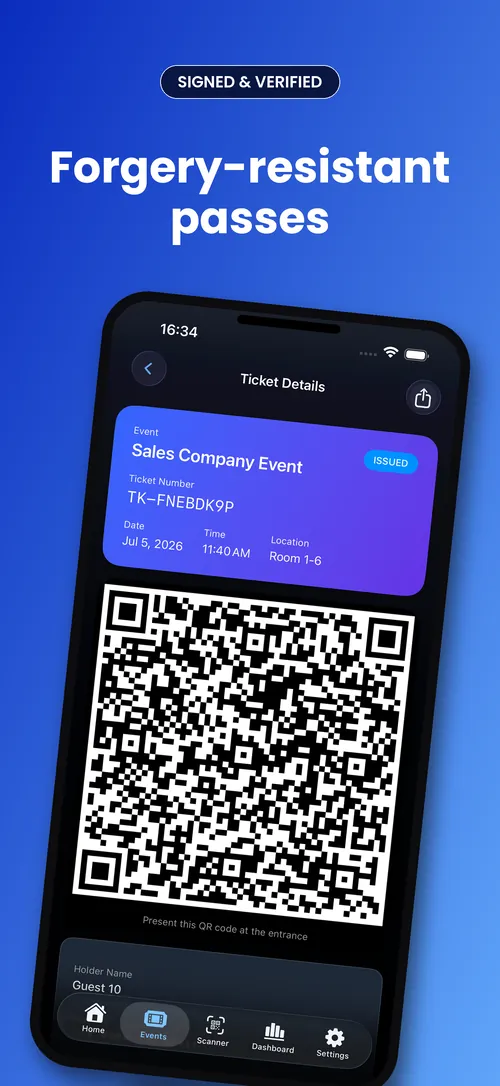
Each pass is signed when you issue it and checked locally when you scan it. You sell certainty, not a cryptography lecture — but the detail is there if you want it.
Each pass carries a compact, signed payload. Any device holding the event's public key can verify authenticity and integrity on its own — with no “phone home” at scan time. Redemption state lives locally until your team devices sync it across the crew.
The events where a guest list on someone else's server is a liability, not a convenience: internal, private, regulated — and off-grid.
Your employee roster never touches a third-party platform. Check in staff without exporting who works where.
See how it worksThe guest list is the point — and it stays yours. Nobody's cloud gets a copy of who you invited.
See how it worksAttendee data never leaves your control, so compliance is simpler when it can't sit on a vendor's server.
No signal, no account, no platform cut. Guests are checked in locally — even in the middle of a field.
You pay per pass you issue — never a cut of your ticket revenue. Your first install comes with free credits for your first event.
per ticket sold + booking fees
one credit per pass · spent when your event goes live
You get them when you first install the app — enough to check in a 40-guest event before you buy anything. The guided demo event doesn't use any.
Credit packs are bought in the app through the App Store, which shows the price for your country.
No subscription. No percentage. No hidden fees.
Events, passes, and scan logs live on your devices — not a third-party server.
No percentage cut. Credits cover pass issuance, not ticket sales.
CloudKit sync for your own backups — not a platform you depend on.
Get GateProof on the App Store and check people in at your next event — without handing anyone your guest list.
iOS only · No account required